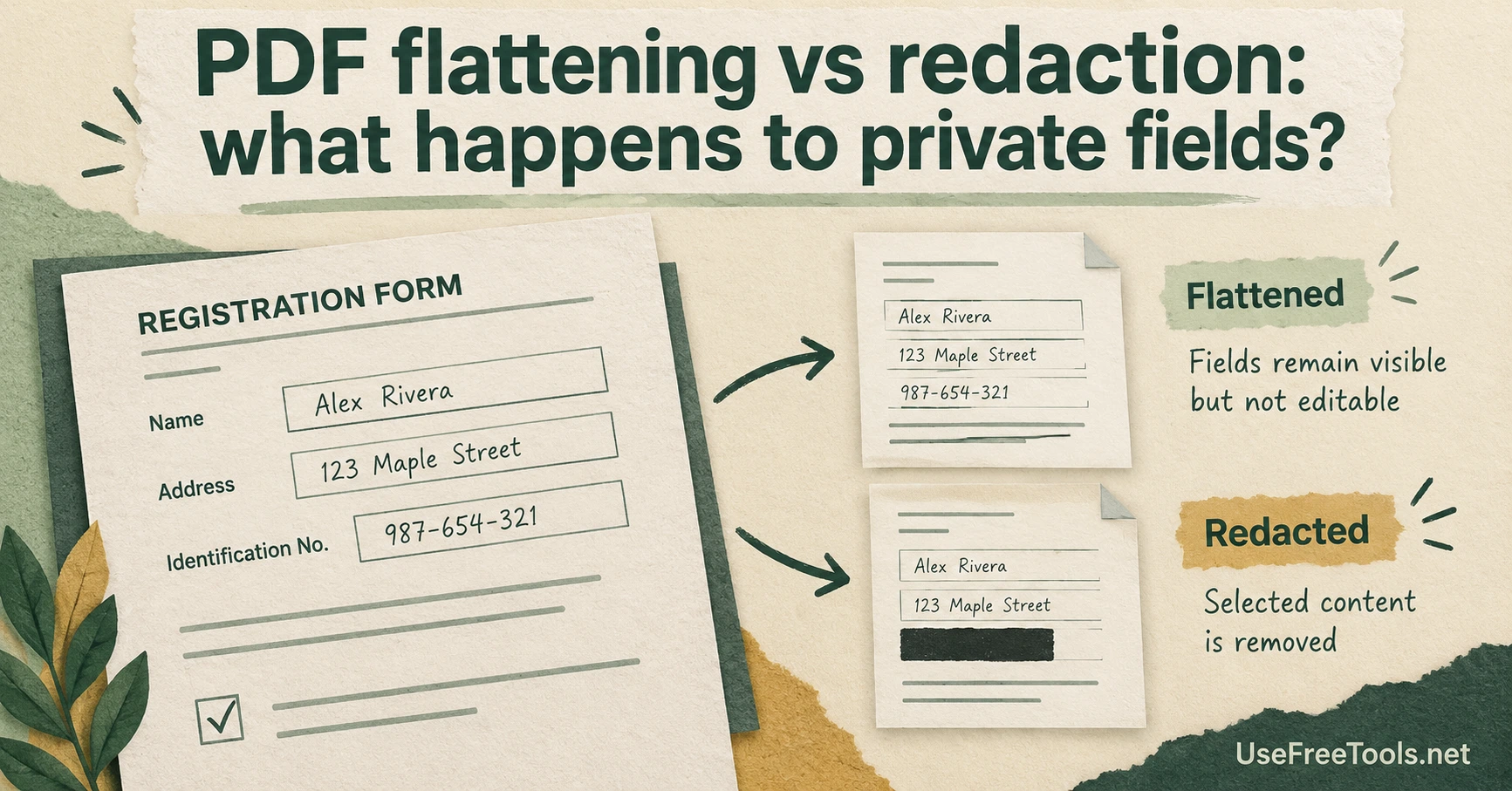
A completed form can lose its editable fields while keeping every private value visible. PDF flattening vs redaction is the distinction to settle before sharing it: flattening incorporates supported field appearances into the page, while redaction removes selected content.
Imagine a sample registration form with a name, an address and an identification number. You want the recipient to read the completed form without accidentally changing its fields. Flattening may suit that purpose. If the recipient must not receive the identification number, flattening the same form does not solve the problem.
Decide what the recipient should receive
Start with the information requirement, rather than a button name. Write down which fields must remain visible and which must disappear. A completed application and an anonymized example are different deliverables, even when both start from the same PDF.
For a normal completed form, Fill PDF Form and Flatten PDF can be useful parts of the workflow. Review the downloaded file in a separate viewer. Check long field values, ticked boxes and any text close to the edge of a field. A viewer's display can differ from what you saw while editing.
Save the editable source separately if you expect revisions. Otherwise, a later correction can become an unnecessary reconstruction task.
A black rectangle can leave the words underneath
Drawing over text changes its visible appearance. It does not by itself establish that the underlying text has gone. Adobe's PDF redaction guidance distinguishes applying redactions from cleaning hidden information. That separation matters when a document also contains metadata or other material beyond the visible page.
Treat a covered number as an unresolved removal task until you have used an appropriate redaction process. Merely flattening a covering annotation is not a dependable substitute. Also avoid describing a cropped page as sanitized: content outside a visible page boundary can require a different check.
For sensitive records, use a redaction-capable application and follow the organization's document-handling rules. Reopen the resulting copy, search for the removed value and inspect its properties. Those checks can catch obvious failures; they do not amount to a guarantee that every hidden item has been found.
Share a deliberately chosen output
A useful handoff includes the correct version and a filename that distinguishes it from the source. For a sample training form, use invented sample values from the beginning where possible. That avoids turning a real record into a public example through a chain of edits.
Before sending, ask someone with the intended recipient's role to check the visible information requirement, if that is practical. Can they read what they need? Have you included something they should not receive? These questions make the review more useful than simply checking whether the PDF opens.
Flatten for presentation and field behavior when appropriate. Choose a separate, verified removal workflow when the goal is to withhold information.