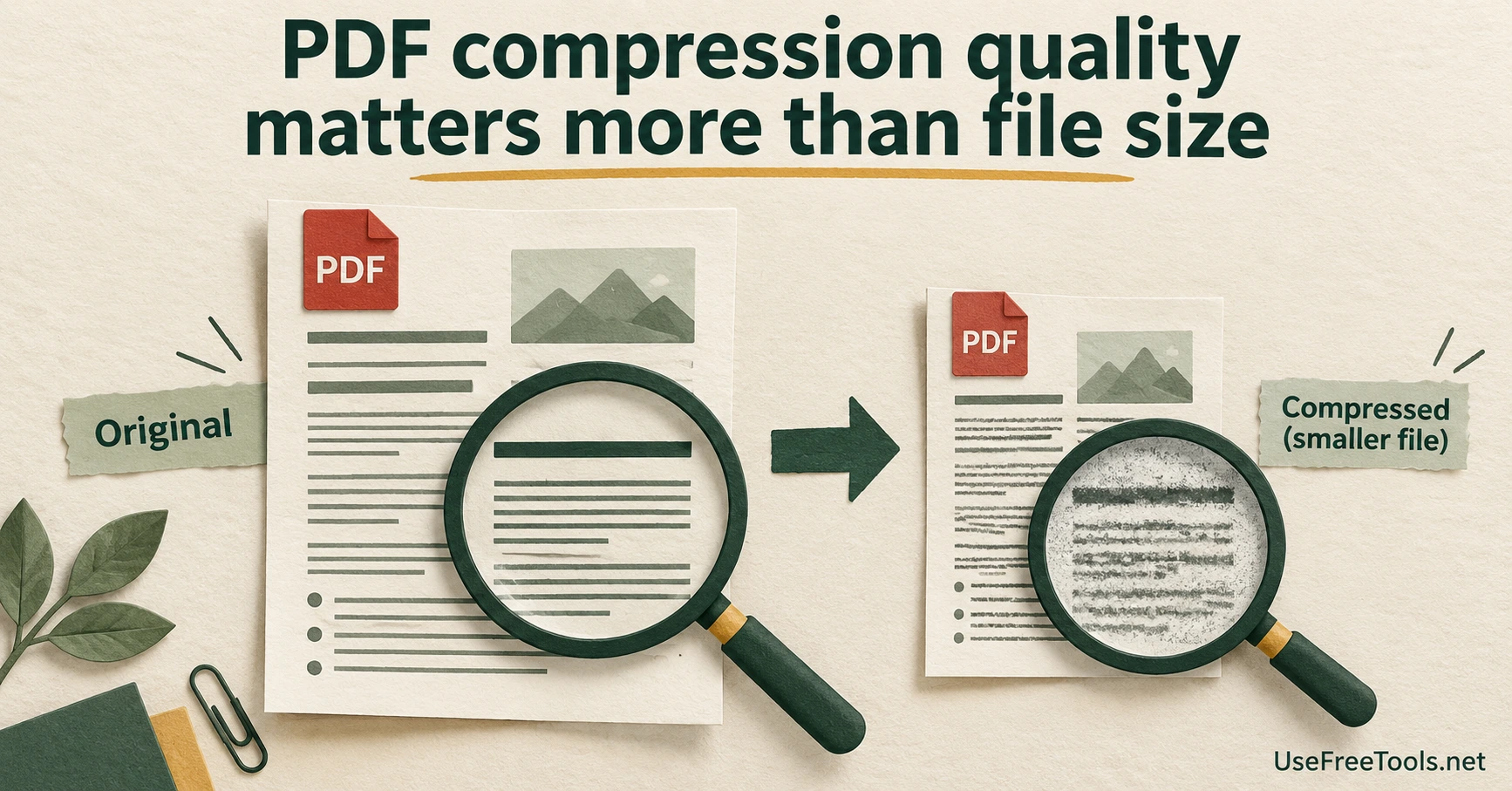
PDF compression quality matters more than the smallest number in a download folder. A smaller document is useful when it meets an upload limit and remains fit for the recipient's task. It is a poor trade when a reference number becomes hard to read or a searchable report becomes a set of page images.
A sample two-page form might contain a large heading and several tiny footnotes. Looking only at the heading can make an aggressive export seem acceptable. The footnotes are where the useful quality check begins.
Set the acceptance test before compressing
Write down the actual constraint. Is the recipient asking for a file below a stated size, a searchable document, or a form whose fields must remain usable? These requirements can conflict. An output that passes the byte limit may fail the document requirement.
Pick a representative page with the smallest text and another with the most important visual detail. Compare the source and candidate export at the same zoom level. Read complete reference numbers and decimal values rather than deciding from the general appearance of the page.
If the document must be printed, inspect a print sample when practical. A screen preview is helpful, but the final paper size and printer settings can expose problems you did not notice on a large display.
Compression methods do different work
Some PDF workflows optimize document resources. Others rebuild pages from rendered images. Adobe's storage-space inspection guidance illustrates why the contents of a PDF matter: images and other document elements contribute differently to its size.
UseFreeTools' Compress PDF describes its own processing and limitations on the tool page. Read those before using it for forms, signed records or documents where selectable text is essential. Do not assume that every compressor preserves the same features.
For a search-dependent workflow, try PDF to Text on the source and output. Compare a distinctive sentence or document reference. A successful extraction is useful evidence about that feature; it is not a full document-quality audit.
Compare candidates, not repeated generations
Create candidate exports from the original source. If one result is still too large, change the settings on a fresh copy rather than repeatedly transforming the last download. This makes comparisons easier because each candidate has the same starting point.
Name the files so their purpose is clear, such as a review copy and a submission copy. Record which one met the recipient's limit. Do not overwrite the only high-quality source just because one smaller version looks acceptable today.
The right export is the smallest version that still satisfies the job. If the available tool cannot preserve a required feature, change the workflow or ask the recipient about another delivery route. Sending a broken document on time creates another round of work for both people.